


Work with and optimize various Cocoa applications including Safari, Pages, myPhotoEdit, etc. Auto-hide any menus and Dock access points, disable and enable icons, optimize the placement of interface elements. Restore the default configuration and save profiles.
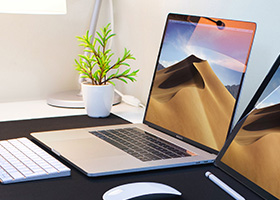
Menuless let's you individually change the 'Presentation Mode' of Cocoa applications (like Safari, Pages, myPhotoEdit etc.). You can apply to 'auto'hide' the Menu and the Dock when the application is running or to completely disable the dock icon Thus you can have more space on small screens and individually reduce distractions - this helps a lot to concentrate on your work. Especially when working with a small MacBook/MacBook Air. Enjoy!

 Mall Creeps

The Immersive 2D Sandbox Platformer Game You Have to Try

The First Game in the Call of Duty: Black Ops Series

Premium survival horror

An epic battle royale game

One of the best Resident Evil games

Fighting The Infected Horde



Comments